Connect a domain to your server
How to make your domain point to your server – with one click or your own DNS records.
1 min read Updated on 07.10.2026
With one click
If you registered or transferred the domain with us, open it under Domains. Under Point to a server, select your server and click Connect. We then set the required A (and AAAA) records for the domain and www.
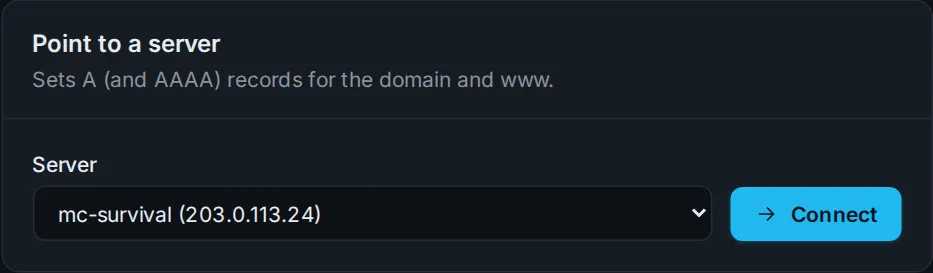
Existing A, AAAA and CNAME records for the domain and
wwware replaced.
Subdomain for a game server
For an address like play.yourserver.com, add a record in the DNS records tab:
- Name:
play - Type:
A - Value: your server's IPv4 address
For Minecraft on the default port 25565 that's all you need.
Domain with another provider
If the domain is registered elsewhere, add an A record with your server's IP there. Alternatively you can transfer the domain to us.
How long does it take?
New records are usually active after a few minutes, but depending on caching (TTL) it can take up to a few hours.
Didn't work?
Ask Nexi in the customer area or open a ticket – we'll help you out.