Connect to your server via SSH
How to log in to your server from Windows, macOS and Linux – with a password or an SSH key.
1 min read Updated on 07.10.2026
Find your credentials
Open your server in the customer area. The overview shows the IP address, and under Credentials you find the user name (usually root) and password.
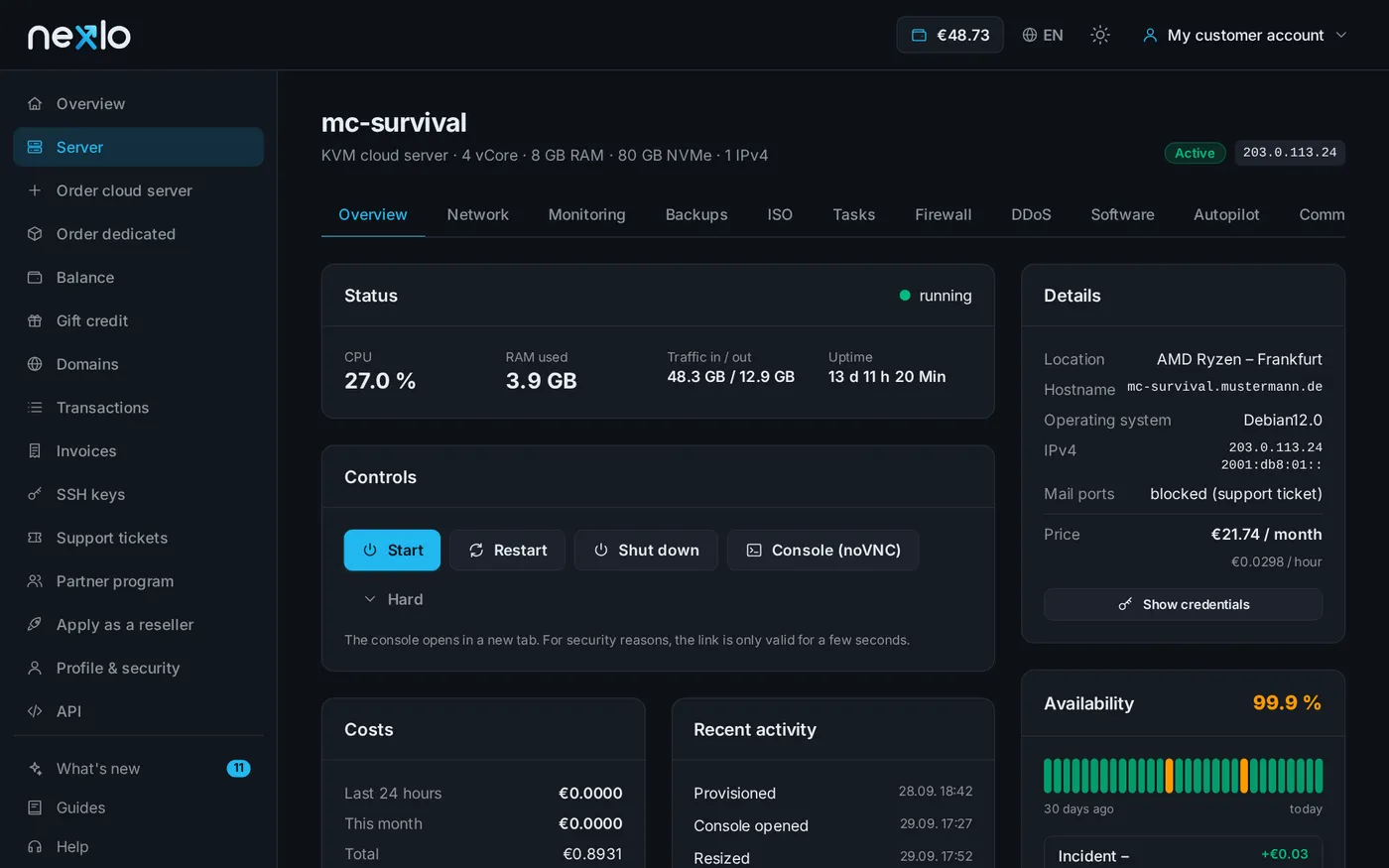
Windows, macOS and Linux
Open a terminal (on Windows: PowerShell or Windows Terminal) and enter:
ssh root@YOUR-IP
On the first connection SSH asks whether you trust the server – confirm with yes. Then enter the password (it is not shown while typing).
Without a password using an SSH key
An SSH key is safer and more convenient:
- Create a key:
ssh-keygen -t ed25519 - Save the content of
~/.ssh/id_ed25519.pubunder SSH keys in the customer area. - Select the key when ordering or reinstalling the server.
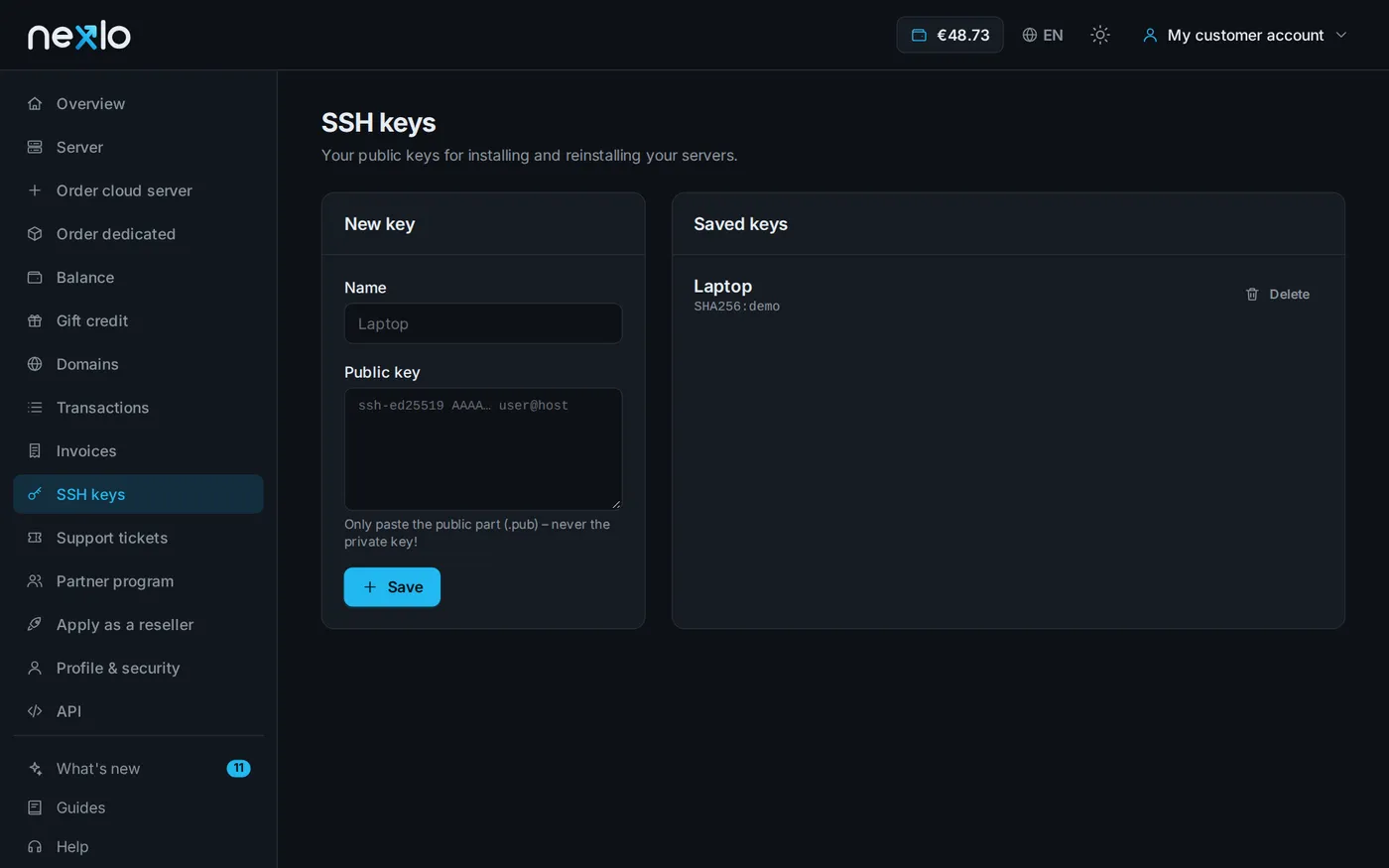
Only ever paste the public part (
.pub) – never share your private key.
Not working?
- Timeout: Is the server running? Is port 22 allowed in the firewall?
- Wrong password: The console (noVNC) in your browser gets you onto the server even without SSH.
Didn't work?
Ask Nexi in the customer area or open a ticket – we'll help you out.