Secure your account: 2FA, sessions & alerts
Two-factor authentication, the session overview and login alerts keep your account safe.
1 min read Updated on 07.10.2026
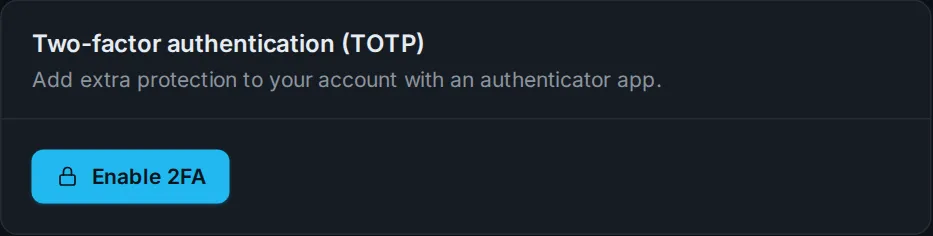
Two-factor authentication (2FA)
Under Profile & security you enable 2FA with an authenticator app (e.g. Google Authenticator, Authy or 1Password). When logging in you then also need a 6-digit code. Keep the recovery codes safe – they get you in if your phone is lost.
Active sessions
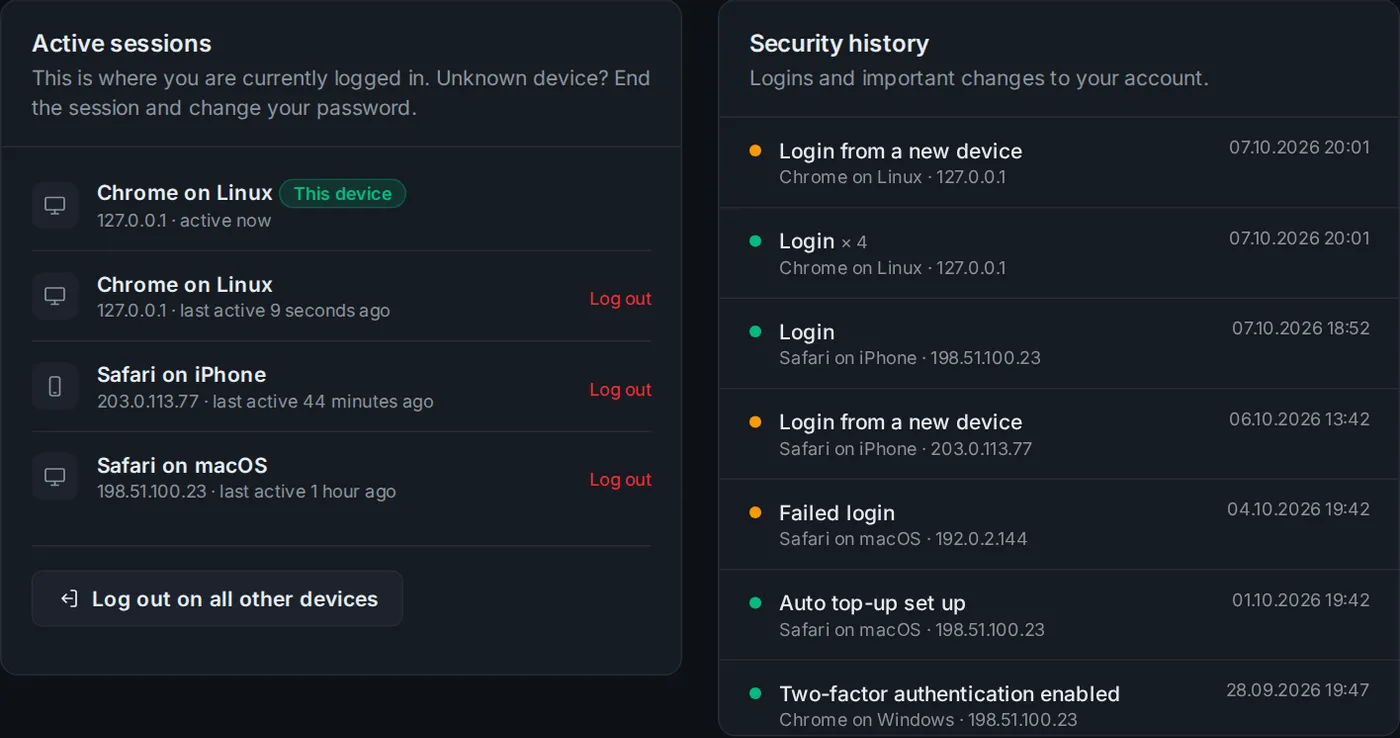
Further down you see every device you are currently logged in on. A device looks unfamiliar? End that session or use Log out on all other devices.
Login alerts
If someone logs in from a new device, you get an email right away. We also tell you about password changes, a changed email address or 2FA being turned off.
Security history
The security history lists logins, failed attempts and important changes with device and IP address.
If something is wrong
- Change your password.
- Log out on all other devices.
- Enable 2FA and check your API tokens.
- Let us know via a ticket.
Didn't work?
Ask Nexi in the customer area or open a ticket – we'll help you out.