Set up monitoring & alerts
Keep an eye on usage, get warned about overload and have your website and game port checked.
1 min read Updated on 07.10.2026
Performance history
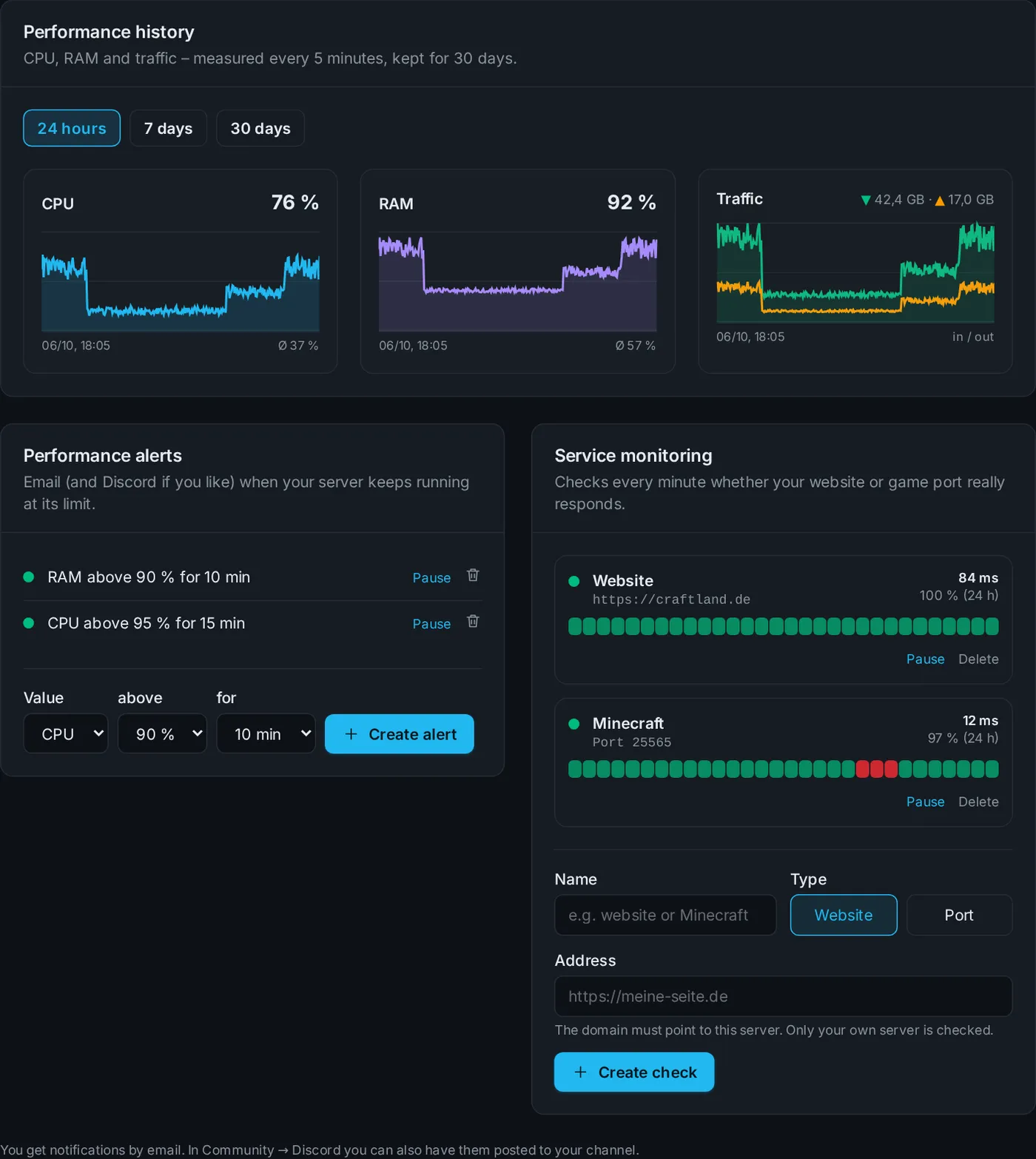
The Monitoring tab shows CPU, memory and traffic for the last 24 hours, 7 or 30 days. Values are measured every 5 minutes.
Resource alerts
Decide when you want to be warned – e.g. RAM above 90 % for 10 minutes. You get an email when the alert fires and another one once everything is back to normal.
Service monitoring
We check every minute whether a service really responds:
- Website: an address like
https://yourserver.com– it has to point to your server's IP. - Port: e.g.
25565for Minecraft.
We only send an email after two failures in a row – so short hiccups don't trigger an alert.
In Discord too
Under Community → Discord you can additionally send alerts, outages and failed backups to your Discord channel.
Didn't work?
Ask Nexi in the customer area or open a ticket – we'll help you out.